Critical alerts
Get a notification everytime a job is re-run after a crash.
This feature is available in the Enterprise Edition.
If the node it which it runs halt suddenly (such as a power loss), then the job will be restarted automatically. Windmill itself doesn't crash and other softer interruptions like a pod termination involve a grace period (300s) to let the job finish.
Critical alerts are generated under the following conditions:
- Job is re-run after a crash.
- License key does not renew.
- Workspace error handler fails.
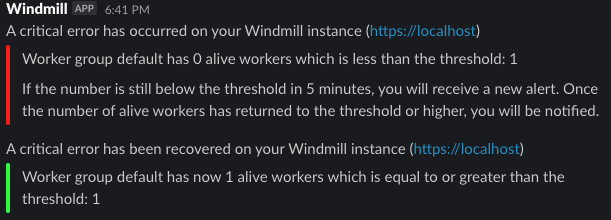
- Number of running workers in a group falls below a specified threshold (has to be configured in the worker group config).
- Number of jobs waiting in queue is above a threshold for more than a specified amount of time.
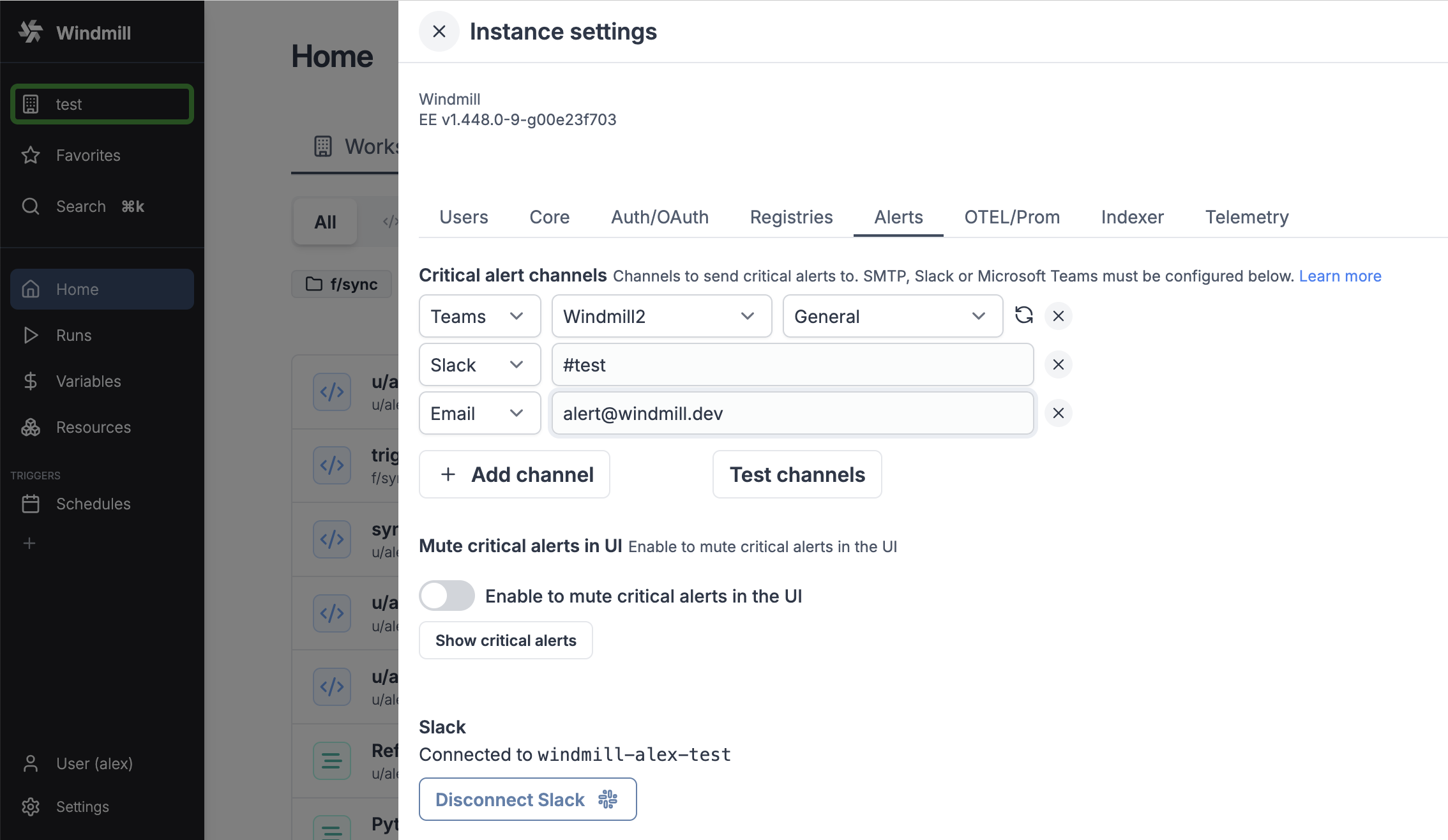
Critical alert channels
You just need to configure SMTP and setup a critical alert channel (aka email address) in the instance settings and/or connect your instance to Slack and Microsoft Teams and fill in a channel name.
You can also set an alert to receive notification when the number of running workers in a group falls below a given number. It's available in the worker group config.
Critical alerts in UI
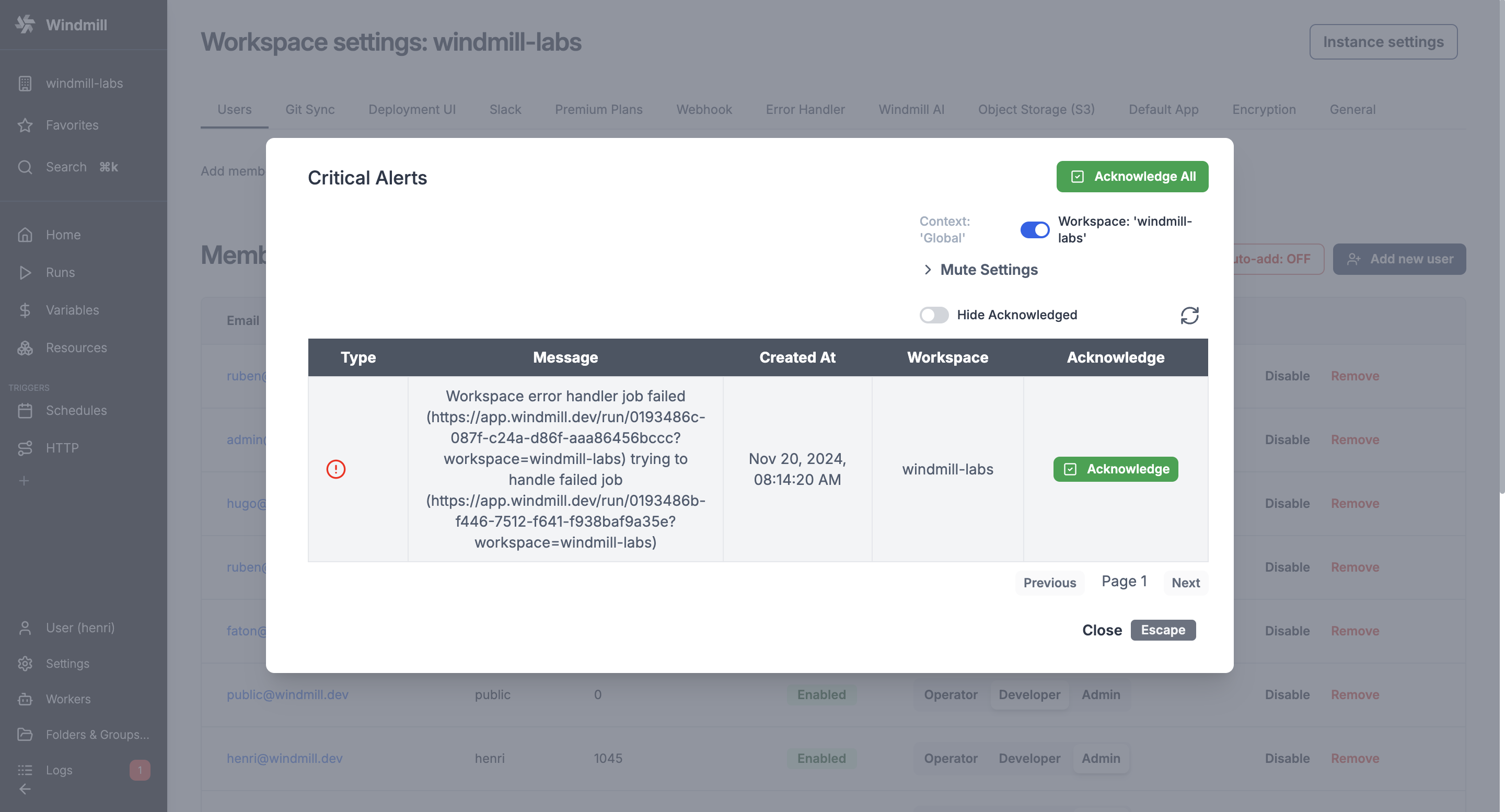
Windmill itself sends critical alerts notifications through the UI.
You can disable this in the instance settings.
Visibility
Instance wide Critical Alerts are only visible to users with the superadmin or devops roles. For workspace specifc alerts, users need to have admin privilege over that workspace.